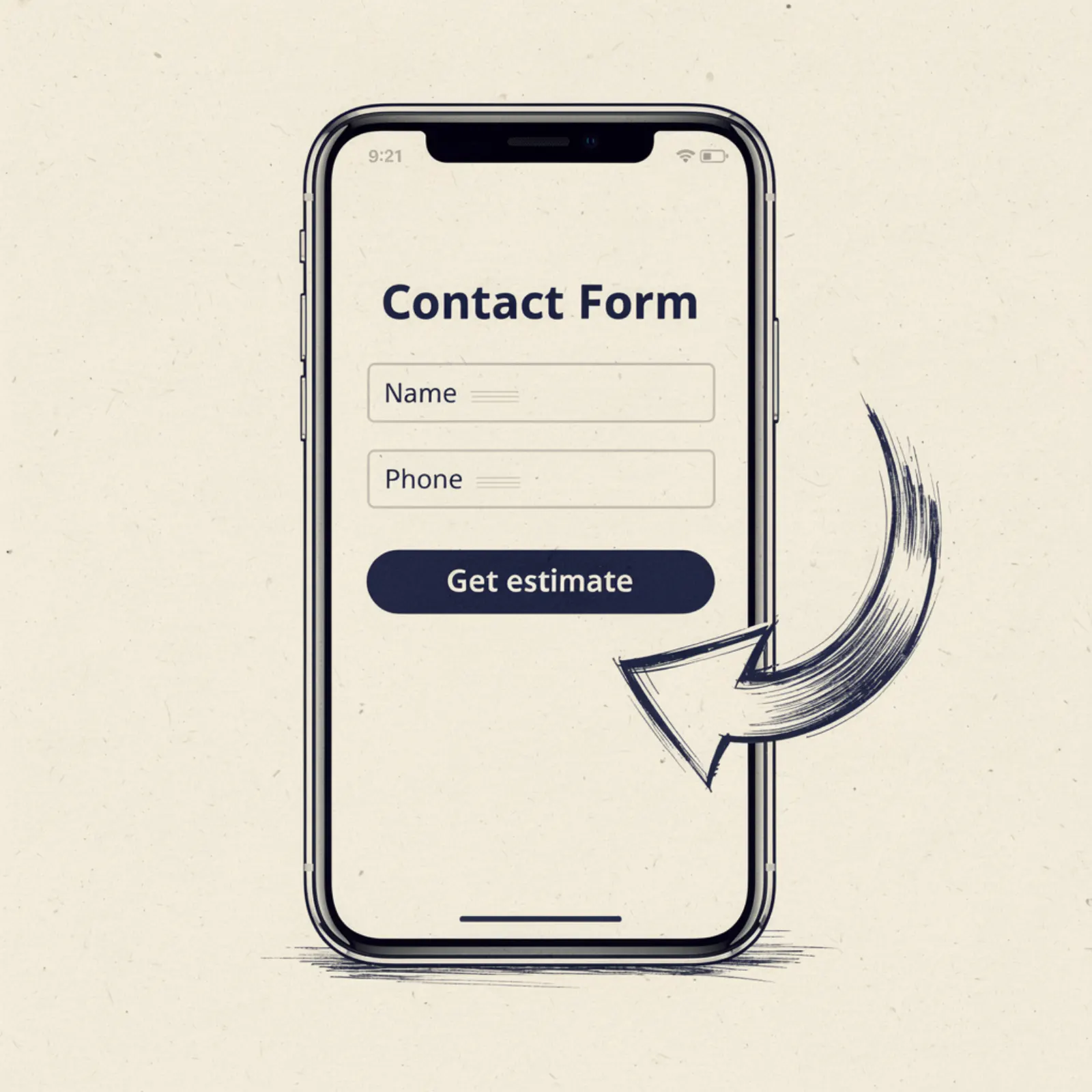
Here's the honest truth about contact forms on business websites: most of them exist as compliance, not conversion. Someone told the business owner they needed a contact form, so they dropped one at the bottom of the "Contact" page with 9 fields and a CAPTCHA that doesn't work on mobile.
Nobody fills it out. Visitors call instead — if they can find the phone number — or they bounce and call a competitor.
A well-built contact form can double your inbound lead volume without changing anything else about your site. Here's the anatomy of one that works.
First: where to put it
Above the fold on your homepage. Not on a separate contact page, not below your gallery, not after three paragraphs of "About Us." The form — or at minimum, a form trigger button — should be visible without scrolling on mobile. This is called "above the fold" and it's where conversions happen.
Think about it from the customer's perspective. Someone searches "small business owner Lenexa KS" at 8pm because their sink is draining slowly. They land on your homepage. They can see in the first screen: your name, your service area, a phone number to call, and a form field that says "Describe your issue." They fill in two words and hit send. You got that lead.
Alternatively, they see your hero image and your tagline and nothing actionable. They scroll down looking for how to contact you. By the time they find the form buried on your Contact page, they've already opened two other tabs. You're competing with those two tabs now.
The 3-field form
The optimal form for business lead capture has 3 fields: Name, Phone number, and "What do you need help with?" That's it. Nothing else.
Not email (you're going to call them back). Not address (you can get that on the call). Not "best time to reach you" (call them now, they just said they need help). Not a dropdown for what type of service (they already described it in the free-text field).
Every additional field you add to a form reduces submissions by roughly 10-15%. A 6-field form gets half the submissions of a 3-field form, with no meaningful improvement in lead quality. Shorter form, more leads, call them back and ask the questions.
The submit button copy matters
"Submit" is the worst possible submit button text. It means nothing. Nobody is excited to submit anything.
Use something specific to what happens next: "Get a free estimate," "Request a callback," "Tell us what you need." These set expectations — the customer knows a human being is going to call them — and they perform measurably better than "Submit" or "Send."
Response time sets conversion rate
Here's the part nobody talks about: how fast you respond to form submissions determines whether they convert into jobs. Harvard Business Review research found that responding to a web lead within 5 minutes makes you 100 times more likely to reach that lead than responding within 30 minutes.
Most small business owners respond to web form submissions the next morning, if at all. Meanwhile the customer already called three other small business owners and scheduled the one who picked up first.
Set up email and text notifications for every form submission. Have the notification go to your phone. Your target response window should be under 30 minutes during business hours. If you can call within 5 minutes of the submission, your close rate on web leads will be dramatically higher than any competitor who waits until tomorrow.
The click-to-call + form combination
The best setup for business sites is both, not one or the other. In the hero section: a big phone number that's a tappable link, and a simplified form side by side. The phone number serves urgent customers who want to talk right now. The form serves comparison-shoppers who want to describe their situation and get a callback.
About 60% of business leads prefer to call. The other 40% prefer to fill out a form, especially for non-emergency situations or outside of business hours. If you only have one option, you're losing 40% of potential leads right there.
Measure it
Set up Google Analytics goal tracking on your form submissions so you know how many leads are coming through the form each month. This sounds technical but it's actually 10 minutes in Google Analytics or Google Tag Manager. If you don't measure it, you can't improve it, and you don't know if your site is working.
Want a site that does this for your small business?
We build mobile-first, SEO-ready business sites for $500. Live in 14 days. $129/month after that. Start with a free mockup.
Get my free mockup